Meet Stella: Sevalla's AI support agent
Support shouldn't become another operational burden. If your team already spends enough time troubleshooting deployments, investigating production issues, and managing infrastructure, the last thing you need is a support process that forces you to gather logs, explain every detail, and wait through multiple rounds of questions before getting an answer.
Since the beginning, support has been a core part of the Sevalla experience. When you opened a support chat, you were talking directly to the engineers who built the platform. People who understand the infrastructure deeply and can get to the root cause, instead of walking you through a generic checklist.
That isn't changing.
But as Sevalla has grown, we noticed a pattern. Many support requests were well-understood problems that didn't always require an engineer to step in — deployment questions, configuration issues, production troubleshooting.
We started asking a simple question:
Could we help teams solve these problems faster without adding more operational work to their day?
That's what led us to build Stella.
Stella isn't a replacement for human support. She's an AI support agent designed to handle the types of issues that are well suited to AI, while giving production teams faster answers based on their actual environment, not generic documentation.
In many cases, that means spending less time manually gathering context and more time getting an answer based on what's actually running in your environment.
How Stella works
Stella is available right inside Sevalla. Under the hood, she runs on Anthropic Claude and connects to the Sevalla MCP server, which is what makes her genuinely useful rather than just fast.
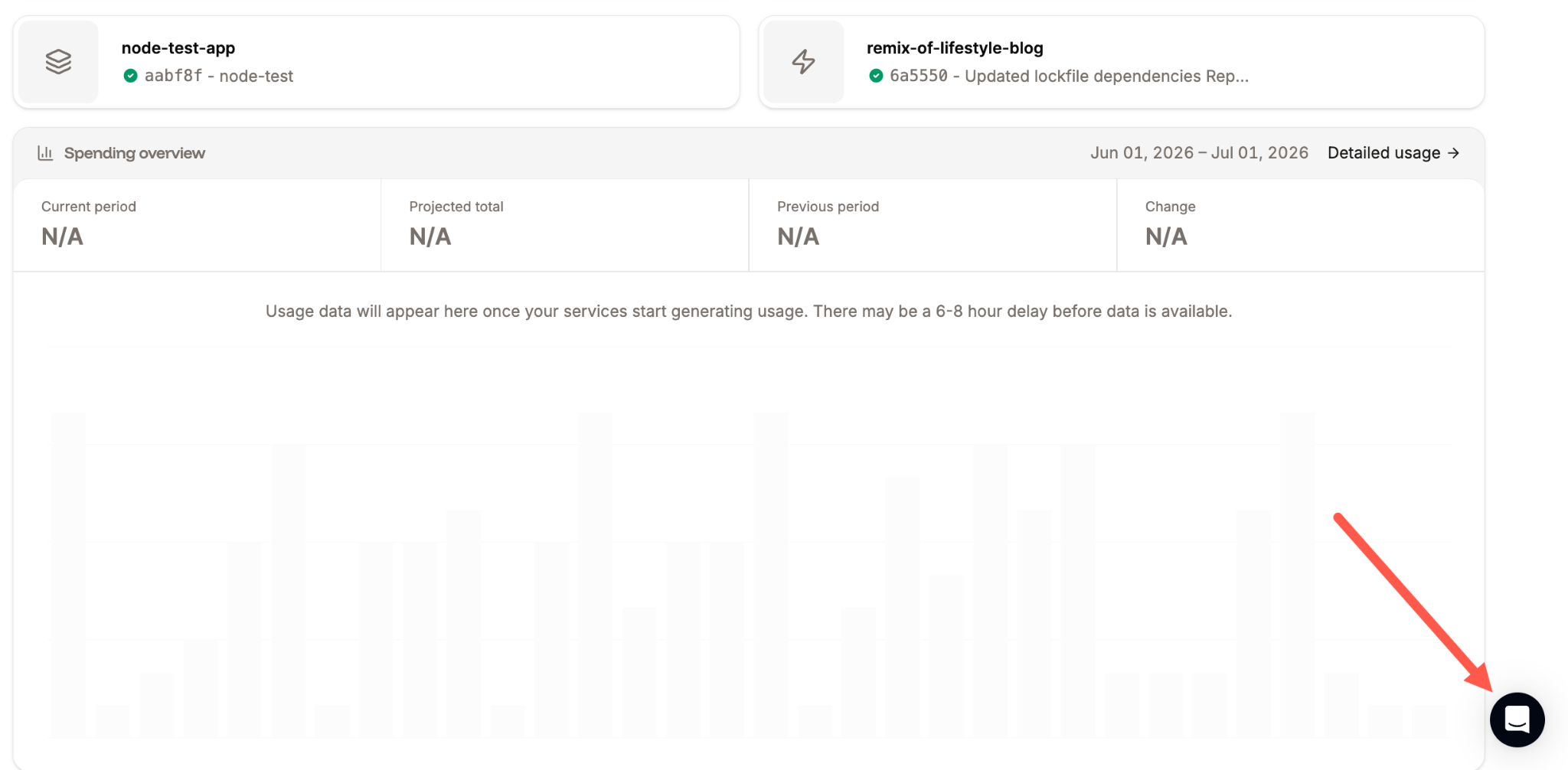
To access Stella, click the chat icon in the bottom right corner of your Sevalla dashboard.
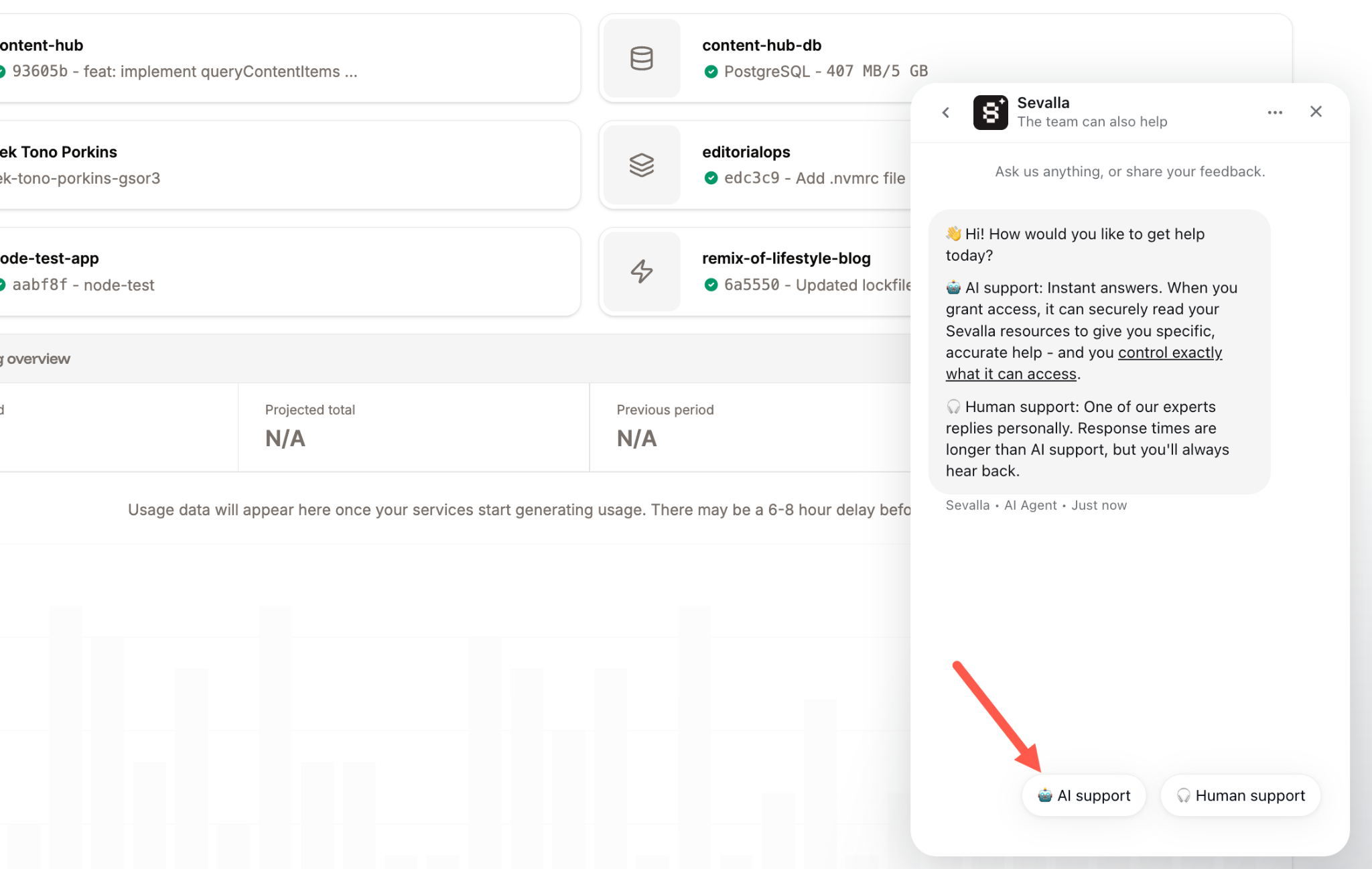
You'll see two options at the bottom of the chat window: AI support and Human support. Clicking AI support starts a conversation with Stella.
Most AI support tools are limited to searching documentation and returning whatever matches the query. Because Stella is connected to the Sevalla MCP server, she can, with the right permissions, read your live services and Git repositories directly.
That means, instead of asking you to paste logs or describe what happened step by step, she can review your application and give you specific, actionable guidance based on what's actually there.
For example, if a deployment starts failing after a recent commit, Stella can inspect your running services and connected repositories to help identify likely causes before you spend time gathering logs, retracing changes, and reproducing the issue yourself.
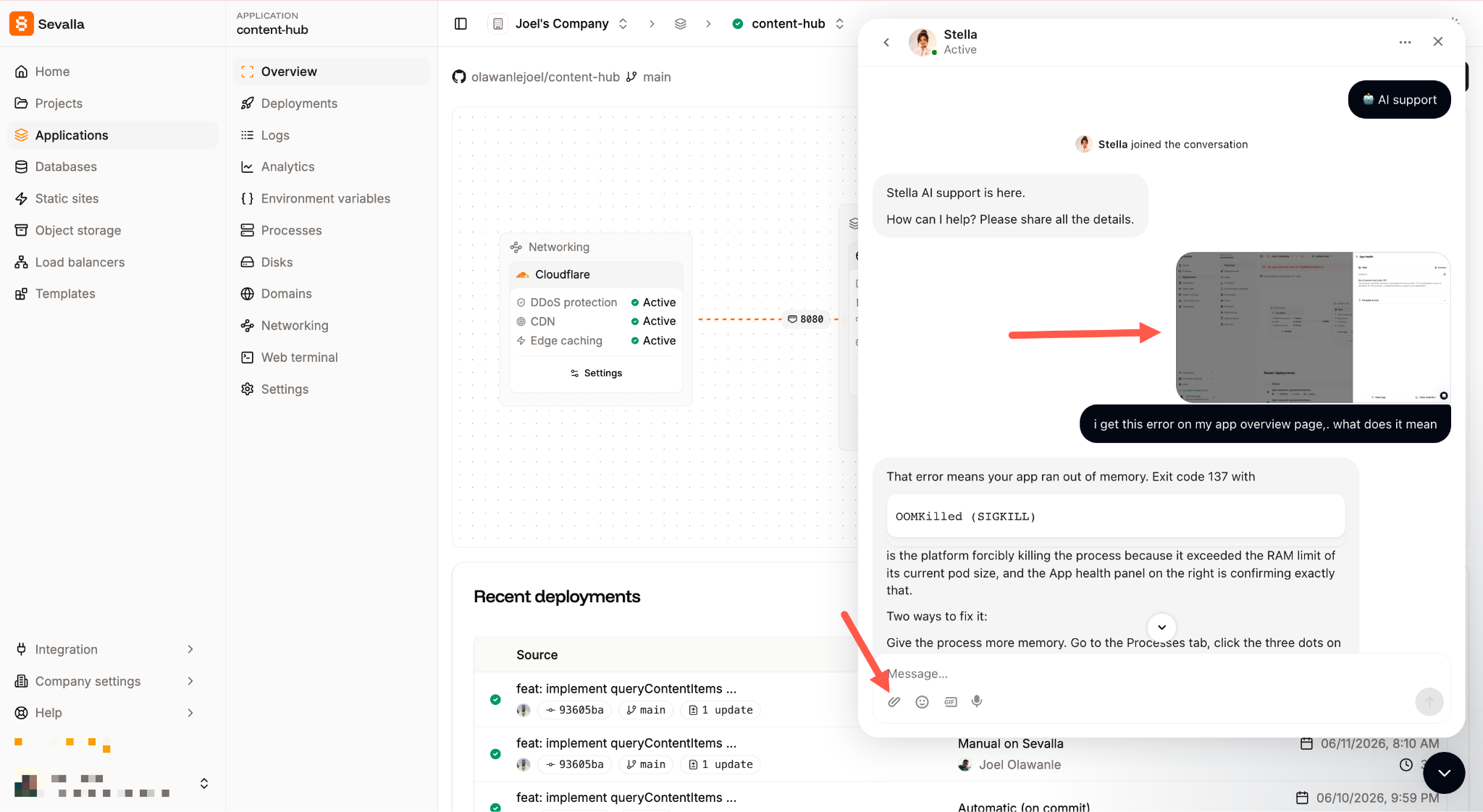
She can also process screenshots. Instead of trying to describe a visual issue step by step, just upload an image. Stella uses that context alongside your environment and repository data to help pinpoint what's happening faster.
When a conversation genuinely needs a human, she hands it off automatically. And if you share product feedback during a chat, that gets routed directly to the team.
You stay in control
Stella is built so you always stay in control of what she can access.
Depending on what you and your team are comfortable with, you can choose either granular, resource-level permissions or simpler role-based controls. Either way, nothing happens without your explicit consent, and you can update or revoke access at any time.
Try Stella today
Stella is available to all Sevalla customers right now. Head to Help > AI support in your dashboard, go through the quick setup, and the next time you need support, you can choose to start with Stella or go straight to a human engineer.
If you run into something she handles well or something she doesn't, we want to know. Share feedback directly in the chat, and it comes straight to us.
We're monitoring every conversation in these early weeks, and what you tell us will shape how she gets better.